Swift concurrency
A modern Swift concurrency interview map
A senior interview map for async/await, actors, cancellation, task lifetime, Sendable and the bugs hidden around awaits.
6 min read
Start with lifetime
Most Swift concurrency interview prep starts with syntax: async, await, Task, actors, @MainActor, Sendable. The syntax matters. Senior interviews test something else: lifetime, ordering and ownership.
I have run 500+ technical interviews from the hiring side over 15 years in mobile. The candidates who pass the concurrency round ask three questions of any code in front of them. When you see a Task, ask what owns it. When you see an await, ask what can change before execution resumes. When you see cancellation, ask whether the work observes it.
A senior candidate explains the feature over time, not only the line of code on the screen.
Swift concurrency interview questions and what they test
These are the questions that come up in real senior iOS loops. The first question is rarely the one that decides the round. The follow-up is.
- Explain actor reentrancy. Follow-up: "Show me the bug it causes and how you fix it." It tests whether you know an actor is exclusive only between suspension points.
- How does task cancellation work? Follow-up: "The user left the screen and the work kept running. Why?" It tests whether you know cancellation is cooperative.
- What is the difference between
TaskandTask.detached? Follow-up: "When would you reach for detached, and what do you lose?" It tests inheritance of actor context, priority and task locals. - Structured or unstructured concurrency? Follow-up: "Who cancels this work if the parent goes away?" It tests whether you can name an owner for every task.
- What does
@MainActorguarantee? Follow-up: "Your view model is on the main actor and scrolling stutters. Where do you look?" It tests the boundary between UI state and heavy work. - What is
Sendable, and when is@unchecked Sendableacceptable? Follow-up: "What invariant makes this type safe?" It tests whether you treat the annotation as a proof or a silencer. - When do you use a task group? Follow-up: "One child throws. What happens to the others?" It tests fan out, error propagation and bounded parallelism.
- How would you bridge a delegate or callback API into async code? Follow-up: "What happens when the consumer stops listening?" It tests
AsyncStream, continuations and termination.
Notice the pattern. Every follow-up moves from definition to consequence. Prepare the consequence.
Cancellation is not a magic stop button
Cancellation in Swift concurrency is cooperative. Cancelling a task sets a flag. The task stops only when its code checks that flag with Task.checkCancellation() or Task.isCancelled, or when it awaits an API that honours cancellation. A tight synchronous loop will run to the end.
Cancellation also follows structure. Cancelling a parent cancels its child tasks: async let bindings and task group children. It does not reach an unstructured Task you created inside, and it does not reach a separate shared task the caller is awaiting. The caller stops waiting. The shared work keeps going.
// The bug: cancellation is requested, never observed
func buildThumbnails(for photos: [Photo]) async -> [Thumbnail] {
    var result: [Thumbnail] = []
    for photo in photos {
        result.append(render(photo)) // synchronous, never checks
    }
    return result
}

// The fix: check between units of work
func buildThumbnails(for photos: [Photo]) async throws -> [Thumbnail] {
    var result: [Thumbnail] = []
    for photo in photos {
        try Task.checkCancellation()
        result.append(render(photo))
    }
    return result
}
In an interview, connect cancellation to user intent. A search result for an old query should never reach the UI. An image request for a reused cell should stop. A payment or a draft save may need to finish through a more durable path, so you should not tie it to a view's lifetime at all.
Shared work is the subtle case. If two screens await the same download and one of them leaves, cancelling the shared request is a bug for the other. Either count interest and cancel when it reaches zero, or give the shared task a lifetime of its own. The right cancellation answer depends on what the work means.
Task and Task.detached are not interchangeable
Task { } inherits from the context that creates it: the actor isolation, the priority and the task local values. Created inside a @MainActor method, its body runs on the main actor. It is still unstructured, so it is not cancelled when the enclosing function returns or its task is cancelled.
Task.detached { } inherits none of that. No actor, no priority, no task locals. That is why detached is where people accidentally drop tracing context or move work off an actor it needed. A strong answer says detached is rare, and names the reason when you use it: you want work that must not run on the current actor and must not inherit its priority.
Both are unstructured. Both need an owner. Store the handle, cancel it when the owner goes away, or use SwiftUI's .task modifier, which cancels its work when the view disappears.
Actors protect state, not logic
Actors serialize access to isolated mutable state. They do not make a workflow correct. The dangerous part is the await inside an actor method.
An actor is exclusive only while code runs without suspending. At every await, other calls can enter and change state. If a method reads state, awaits the network, then writes based on what it read, the write can be stale. The actor did its job. The logic is still wrong.
// The bug: two callers both miss the cache and both download
actor ImageCache {
    private var images: [URL: Image] = [:]

    func image(for url: URL) async throws -> Image {
        if let cached = images[url] { return cached }
        let image = try await download(url) // other calls run here
        images[url] = image
        return image
    }
}

// The fix: store the in-flight task, so the second caller joins it
actor ImageCache {
    private var entries: [URL: Task<Image, Error>] = [:]

    func image(for url: URL) async throws -> Image {
        if let existing = entries[url] { return try await existing.value }
        let task = Task { try await download(url) }
        entries[url] = task // written before the first await
        return try await task.value
    }
}
The fix works because the entry is written before any suspension. Name the other tools too: snapshot values before the await, re-check them after it, or split the operation so the mutation happens in one synchronous step. In production you also remove failed entries, so one error does not stay cached forever.
Note the cancellation consequence. The stored task is unstructured and shared. A caller that gets cancelled stops waiting on it, but the download continues for everyone else. That is the correct behaviour here, and saying so out loud earns the point.
MainActor should clarify the boundary
@MainActor is a useful boundary for UI state. It is not a junk drawer for code that made the compiler complain.
If a view model on the main actor starts doing heavy mapping, image processing, database reads or JSON decoding, the annotation hides a design smell. An await does not move work off the main actor by itself. Synchronous work in a main actor method runs on the main thread, however many awaits surround it.
// The bug: decoding runs on the main actor
@MainActor
final class FeedModel {
    var items: [Item] = []

    func load() async throws {
        let data = try await api.feedData()
        items = try JSONDecoder().decode([Item].self, from: data) // main thread
    }
}

// The fix: decode in a nonisolated function, publish on the main actor
@MainActor
final class FeedModel {
    var items: [Item] = []

    func load() async throws {
        let data = try await api.feedData()
        items = try await Self.decode(data)
    }

    nonisolated static func decode(_ data: Data) async throws -> [Item] {
        try JSONDecoder().decode([Item].self, from: data)
    }
}
Under the Swift 6.0 rules, a nonisolated async function runs off the main actor, and the assignment to items happens back on it. Swift 6.2 adds a mode where nonisolated async functions run on the caller's actor by default, and @concurrent is how you ask for the old behaviour. Knowing which mode your project uses is itself a good interview answer. In a senior answer, say what belongs on the main actor and what moves elsewhere. That shows you understand correctness and performance together.
Sendable is a design pressure
Sendable asks whether a value can safely cross concurrency domains. Value types with immutable, sendable stored properties are easy to reason about. Shared mutable reference types need much more care. In Swift 6 language mode these checks are errors, not warnings, which is why the question now comes up in almost every senior loop.
When code uses @unchecked Sendable, ask what invariant makes it safe. Is the object immutable after initialization? Is every access behind a lock? Is it thread safe, or did the annotation move the risk out of sight?
That is the answer interviewers want: not the definition, but the proof you would expect in a code review.
Task groups and AsyncStream
Use a task group when the number of child tasks is known only at runtime. Children finish in completion order, not submission order, so collect results into a keyed structure if order matters. In a throwing group, an error that escapes the body cancels the remaining children. They still need to observe that cancellation to stop quickly.
Bounded parallelism is the follow-up to prepare. Downloading 500 images by adding 500 children at once is a resource problem. Start a fixed number, and add the next child each time one finishes.
AsyncStream bridges callback and delegate APIs into for await loops. The follow-up is termination. Set onTermination to stop the underlying source when the consumer cancels or stops iterating, and choose a buffering policy on purpose, because the default buffers without limit. A stream that nobody finishes is a leak that looks like a feature.
Recovery lines when you get stuck
Every candidate hits a question they cannot finish. What matters from my side of the table is what happens next. Silence costs more than a partial answer. A good recovery line names what you know, what you would verify and how.
- On reentrancy: "I know state can change at every await inside the actor. I would re-check the invariant after the await, and write a test that runs two calls at once."
- On cancellation: "Cancellation is cooperative, so I would check where this work observes it. If nothing checks, it runs to the end."
- On
Task.detached: "I am not sure what this context needs to inherit. I would start with a plain Task and only detach with a written reason." - On
Sendable: "I would not add unchecked here until I can name the lock or the immutability that makes it safe." - On anything: "Let me say what I am sure of, then what I would check in the documentation."
A recovery line is not a bluff. It shows the interviewer how you debug when you do not already know the answer, which is most of the job.
The map
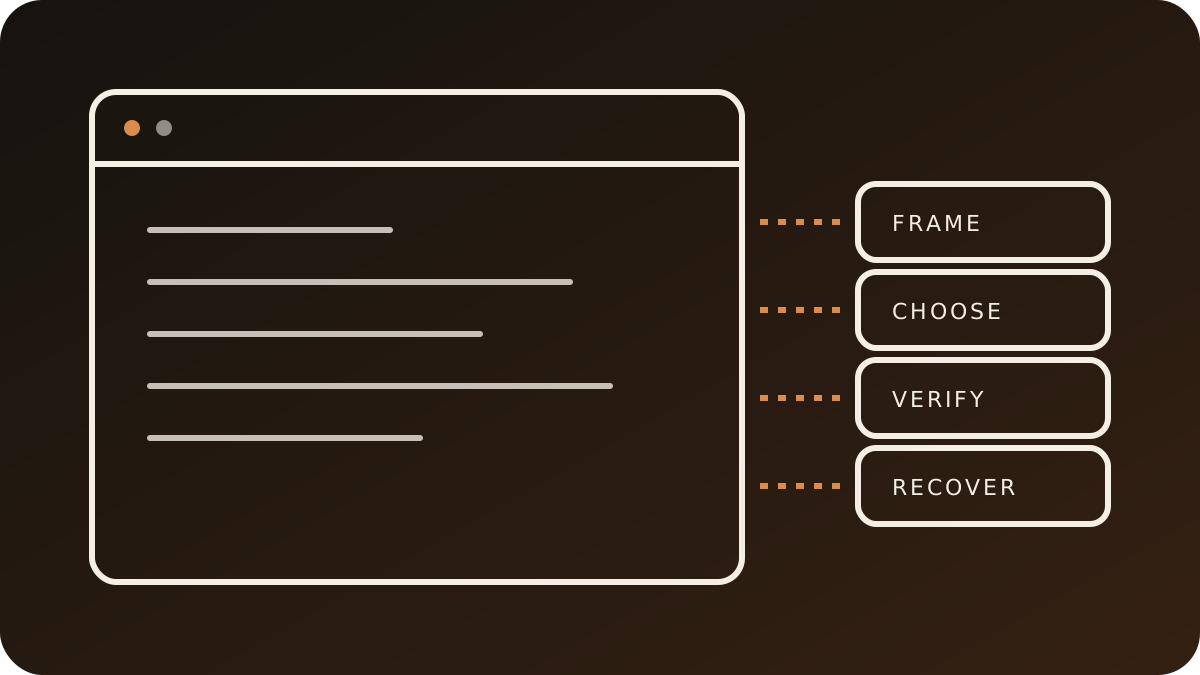
A useful concurrency answer follows one map. Walk it in order:
- What owns the work?
- What can cancel it, and does the work observe cancellation?
- What state does it touch, and which actor isolates that state?
- What can change across each await?
- What concurrency domain does it cross, and is the value
Sendable? - How does the UI stay truthful when results arrive late or out of order?
Apply that map to search, image loading, caching, sync and SwiftUI view tasks before the interview. You will sound like someone who has debugged real apps, not someone reciting API names.