Career path
Design systems
Reason about mobile systems at architect altitude.
Offline-first sync, caching, modularization, persistence, performance, platform strategy and architecture governance.
Senior, staff and architect-level mobile engineers responsible for systems that need to last.
Are you on this path?
Signs you are here
- You reach for a familiar architecture before you have the constraints.
- You can describe the happy path, but not the failure modes.
- Cross-team designs stall because the mobile constraints are not legible.
- You own systems that need to last, but lack a way to reason about them.
Mobile architecture starts with constraints.
This path is for engineers who need to reason about offline state, sync, performance, modularization and platform boundaries with staff-level clarity.
- 01
Start with constraints before choosing patterns.
- 02
Map state ownership across app, cache, persistence and backend.
- 03
Name failure modes, rollout risks and observability points.
- 04
Turn decisions into RFCs other teams can understand.
Books for this path
Senior, staff and architect-level mobile engineers responsible for systems that need to last. Offline-first sync, caching, modularization, persistence, performance, platform strategy and architecture governance. Every book here is written from the hiring side, from 500+ technical interviews, and each book page shows what is inside and who it is for.
Free resources
Free checklists, cards and templates for the design systems path. Each one is short enough to use on the problem you have this week, and each works on its own, before or without a book.

Writing for this path
Mobile system design
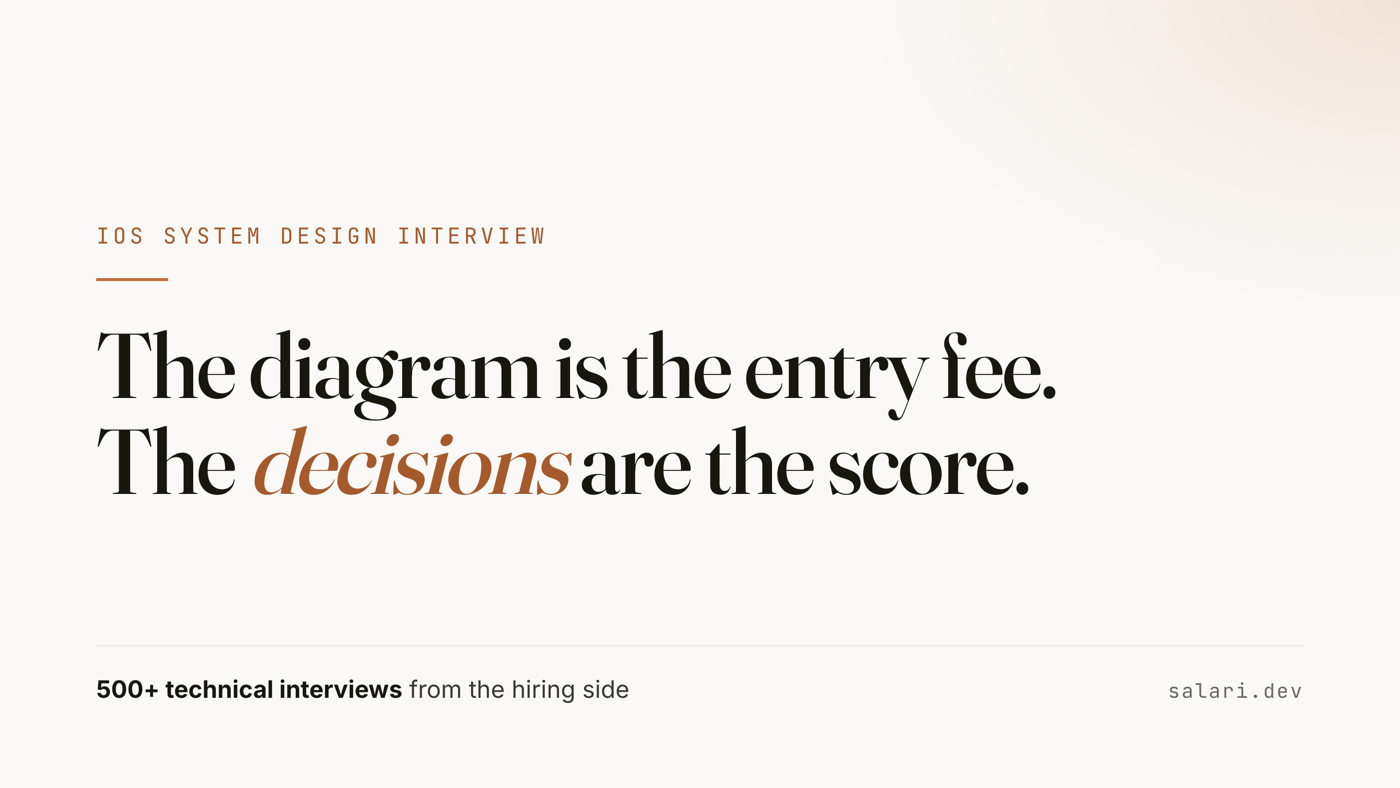
iOS system design interview: a worked answer from the hiring side
The round is not scored on the diagram. It is scored on the decisions. A worked answer for an offline-capable messaging app on iOS, minute by minute, with the follow-ups interviewers use and how the Android answer differs.
7 min read
Swift concurrency
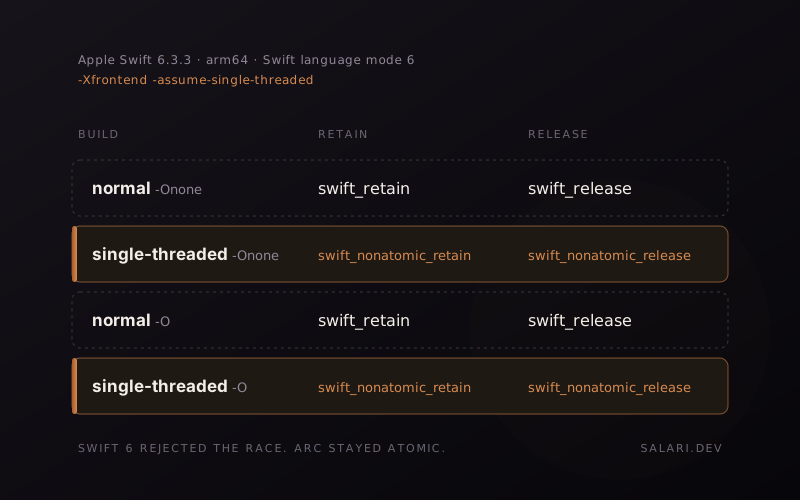
Swift 6 rejected the race. ARC stayed atomic.
Swift 6 can prove that some code is safe from data races. That does not mean reference counting suddenly becomes non-atomic.
8 min read
Swift concurrency
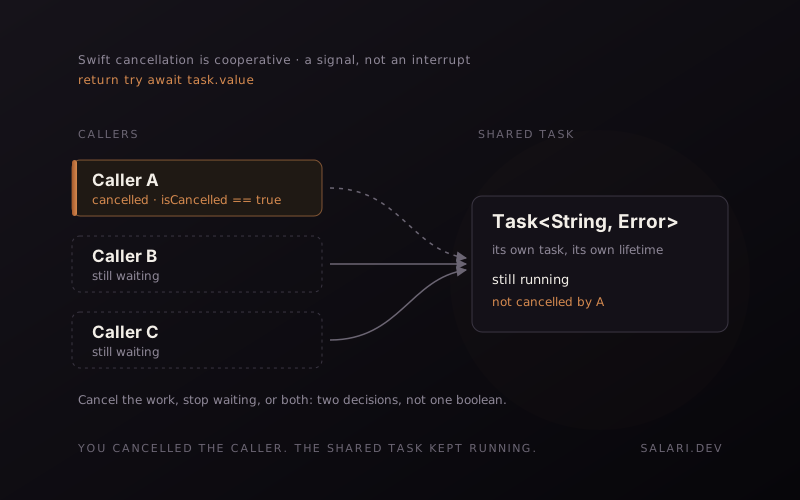
You cancelled the caller. Why is the shared Task still running?
Swift cancellation is cooperative. Cancelling the task that is waiting does not automatically cancel the separate task it is waiting on.
5 min read
Swift concurrency
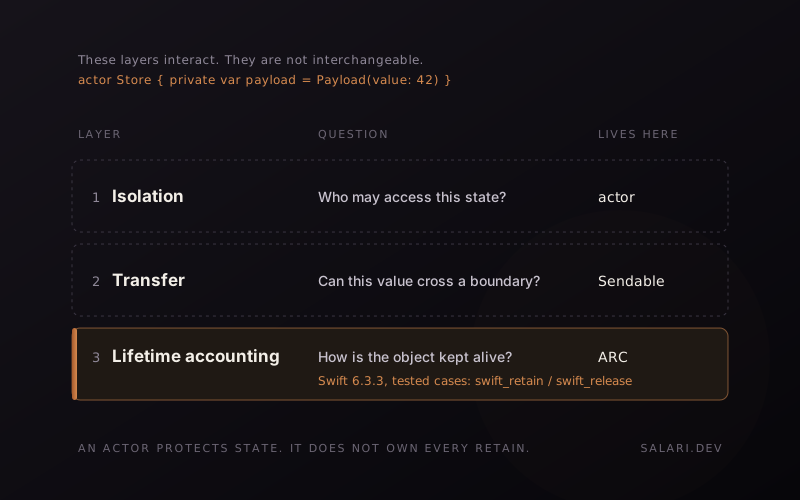
An actor protects state. It does not own every retain and release.
Actor isolation is a concurrency guarantee. ARC is a lifetime mechanism. Treating one as a complete proof about the other is where the mental model starts to drift.
6 min read
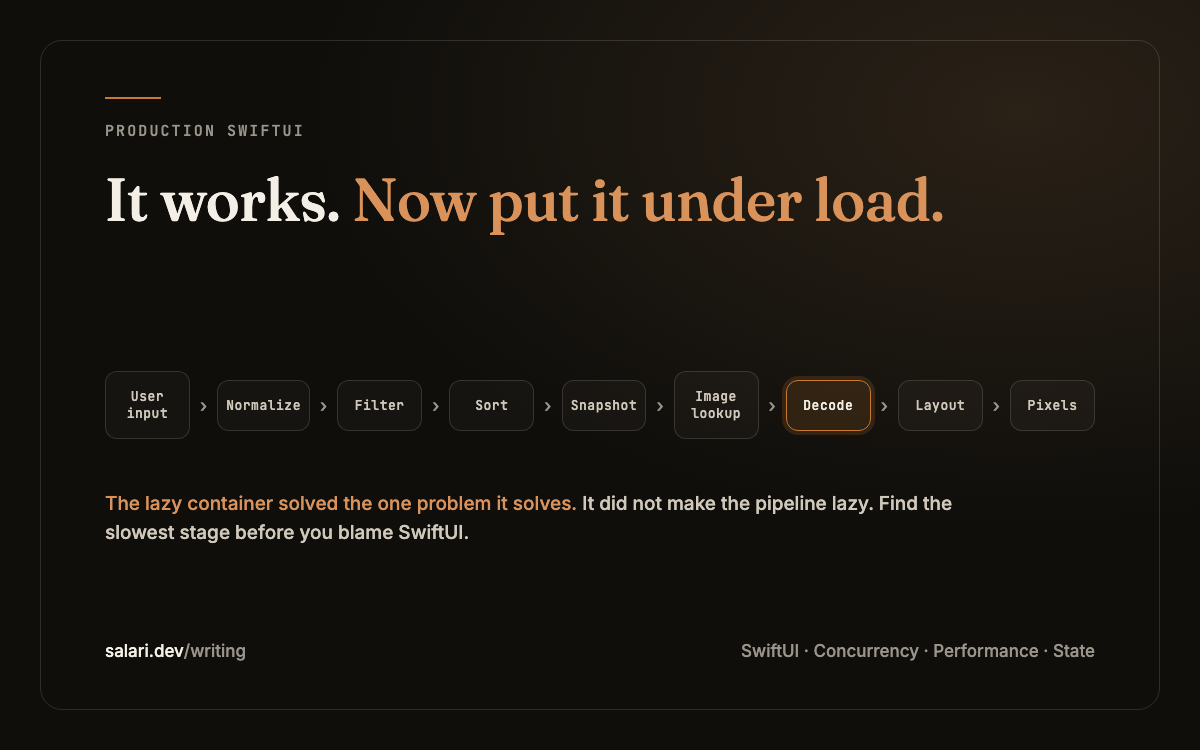
SwiftUI
Your SwiftUI App Works. Production Is Where It Starts Lying to You.
Three failures that appear after the happy path: stale results, slow "lazy" lists, and state ownership that no longer scales.
9 min read
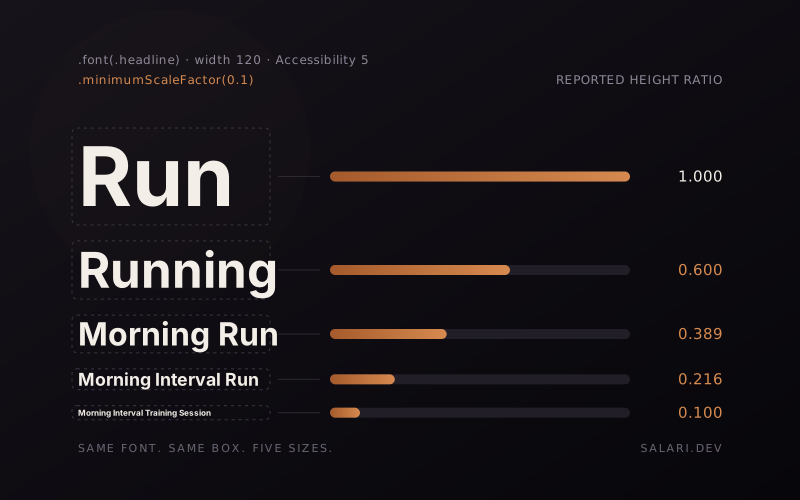
SwiftUI
What minimumScaleFactor trades away in SwiftUI
I ran into a typography inconsistency in a production SwiftUI interface, then reduced it to a reproducible case to understand what minimumScaleFactor was trading away.
8 min read
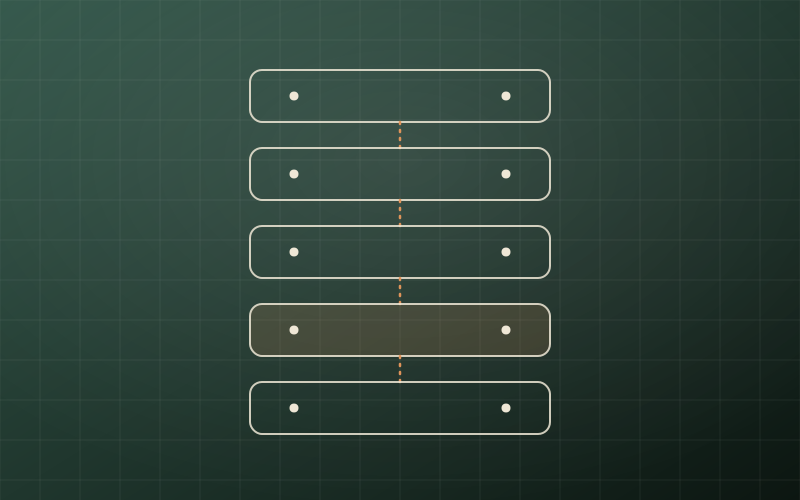
Architecture
Mobile system design is not backend system design
Why offline, device constraints, sync, app lifecycle and platform boundaries change the interview and the architecture.
5 min read

Performance
Why iOS apps feel slow even when the API is fast
A practical look at the client-side bottlenecks that make mobile apps feel slow after the backend has already done its job.
7 min read

SwiftUI
SwiftUI vs UIKit: architecture is state ownership
Why production SwiftUI architecture is less about folder names and more about ownership, identity, effects and boundaries.
3 min read
Architecture
Security requirements that cannot be tested are not finished
A security requirement becomes useful when a team can observe the behavior, test the boundary and know who owns failure.
2 min read

